A goal of 2025 is to spend 100 hours learning how to edit photos in Affinity Photo.
Time spent to date: 25 hrs
13 September 2025
Faster and more confident with my adjustments now. The original scan of this image was a mess. It had many scan lines across it that had to be removed and due to the lack of light there was a lot of noise in the dark sessions.

Inside of Roskilde Domkirke (Cathedral) in Denmark.
These are the changes from the original:
- remove scan lines
- remove copious amounts of dust
- remove the distracting top of two windows that had crept into the white bricked area at the bottom
- pull down the shadows in the dark areas to cut out noise and increase focus on the brickwork
- slightly decrease the brightness of the central bright area on the brick, but only there
I’m ok with these changes. It’s a beautiful building that should not be suffer from my poor photography skills.
10 August 2025
I’m getting better at thinking about masks to apply selective adjustments, even if I’m not yet better at doing them.
10 June 2025
Watched a couple of videos to understand Depth of field in depth(!) and how to Dodge and Burn.
9 June 2025
Learned that Focus stacking isn’t the right way to get all of miniature in focus and managing Depth of field is better.
8 June 2025
A couple of hours today working out how best to focus stack images of miniatures.

Arkhan the Black, Mortarch of Sacrament
23 May 2025
Much more comfortable editing today.

Anne Hathaway’s Cottage in February 2002
16 May 2025
Haven’t been on the tools for a while. Today was therefore refamiliarising myself.

There are a couple of photos with the same coloured metal from different angles in Abstract Architecture so I needed to match the colours as best as I could.
9 March 2025
Working on images from The Old Town (Den Gamle By) in Aarhus and learned how to desaturate the colours, specifically the reds.

In the original scan, the red building at top-left was extremely red which I knew to be incorrect with reference to other photos I could find.
7 March 2025
Today’s lesson. SAVE YOUR WORK REGULARLY! I lost a good 45 minutes on my first attempt brining the fisherman by Warwick Castle to life. I find that every now and then Affinity Photo is crashing hard enough to lock up the whole computer requiring a power-on reboot.

Man fishing by the Avon River as it flows past Warwick Castle
2 March 2025
This morning’s exercise was learning how to properly refine a selection. I got better with this image of King’s College Chapel, because the sky was blue on the day, not the scanned brown colour.

Kings College Chapel with a blue sky, still a bit off but better than grey
1 February 2025
I ran a screen calibration using my new Datacolor Spyder X. It made a difference to the colours on screen—as it is designed to—and I’m going to have to revisit my earlier efforts.
27 January 2025
The focus today was on HDR editing from exposure stacking and tone mapping.

Large glass flowers by Chihuly in the Bicentennial Conservatory
7 January 2025
Some simple editing today as I managed to get the exposure out of the camera mostly perfect and I was working photos taken with my Canon R50. Still, it was a chance to become more familiar with the Huion HS610 Creative Pen Tablet. It is already very comfortable and fast to work with. I find it more natural than the mouse.

Lord-Castellant, Warhammer Age of Sigmar miniature
4 January 2025
I had two goals for today. Learn how to use the Huion HS610 Creative Pen Tablet and masking. The image below is of Windsor Castle taken on 23 October 1999 and taken from a scanned print. I am happy with the masking of the watch tower and small concrete well below it making it both darker and like a bad special effect. It’s too sharp on the top edge. I used a selection tool with refinements for the tower, and the brush tool to add the path below it. The sky has been made blue using a luminosity mask. I can’t tell you how I managed it. Trial and error on the sliders. The tablet was more intuitive today.
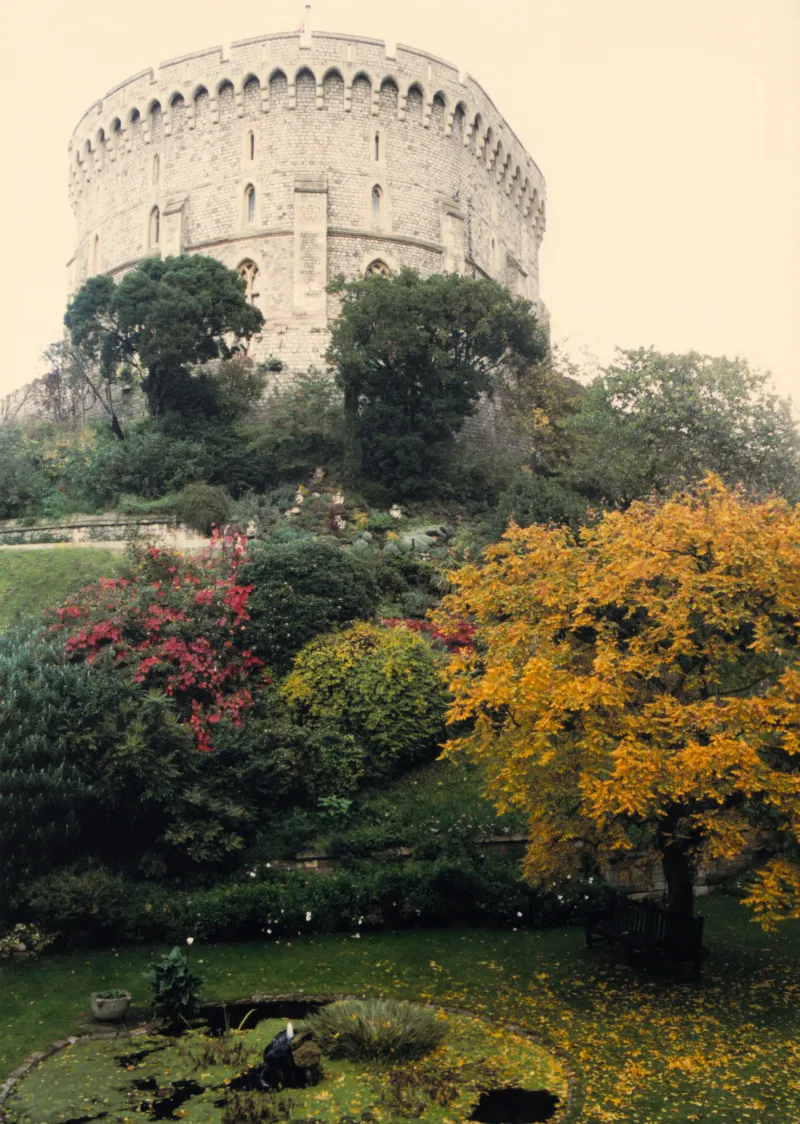
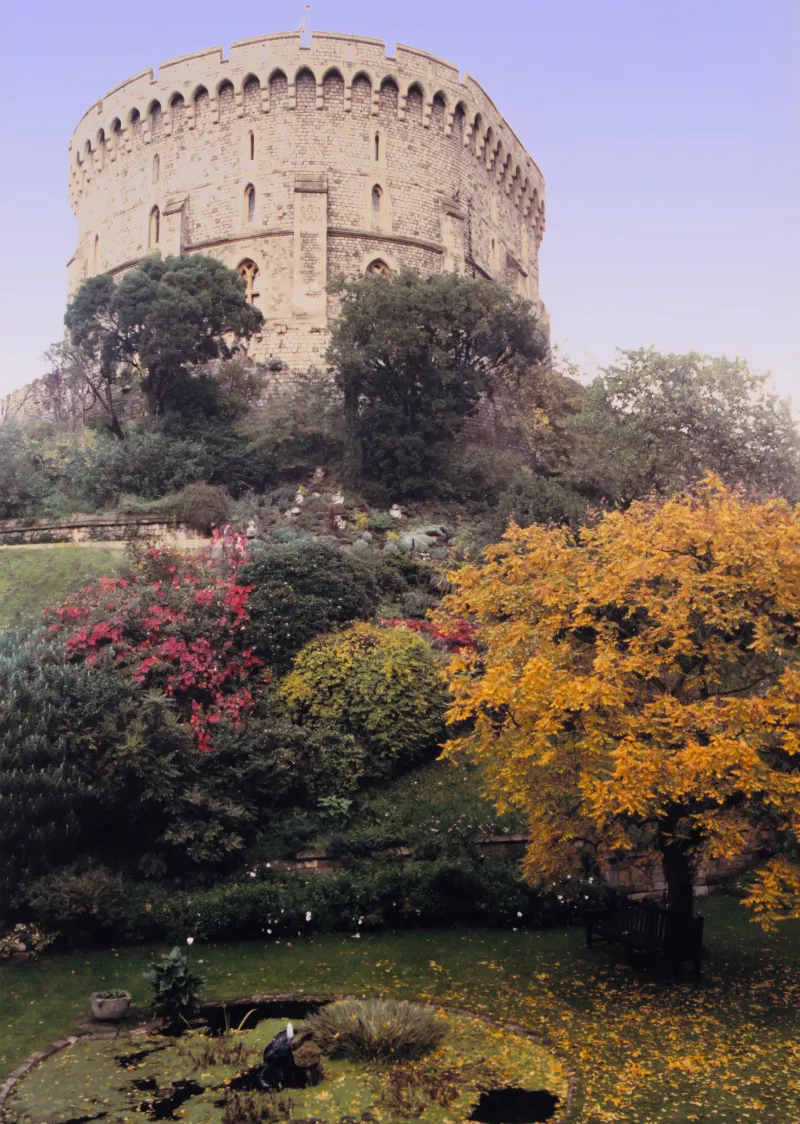
Windsor Castle Tower. Scanned and edited in Affinity Photo.